The Monday Brief · Issue 3 · October 19, 2026
B2B Sales Reps - Gmail now shows who's due for a follow up
Good morning.
This week is all about follow ups, the email every rep means to send and half of us forget. Gmail just got a feature that finds them for you, which is either great news or a little embarrassing.
Also inside: Sadie's 30 follow ups for a deal that went quiet, and a prompt that gives your next nudge a reason to reply.
In this week's Brief:- 📥 Gmail's new AI Inbox shows who's due for a follow up
- 🎬 Meet Sadie, plus 30 follow ups for when a deal goes quiet
- ✍️ Prompt of the week: Give your next follow up a reason to reply
Latest developments
Gmail
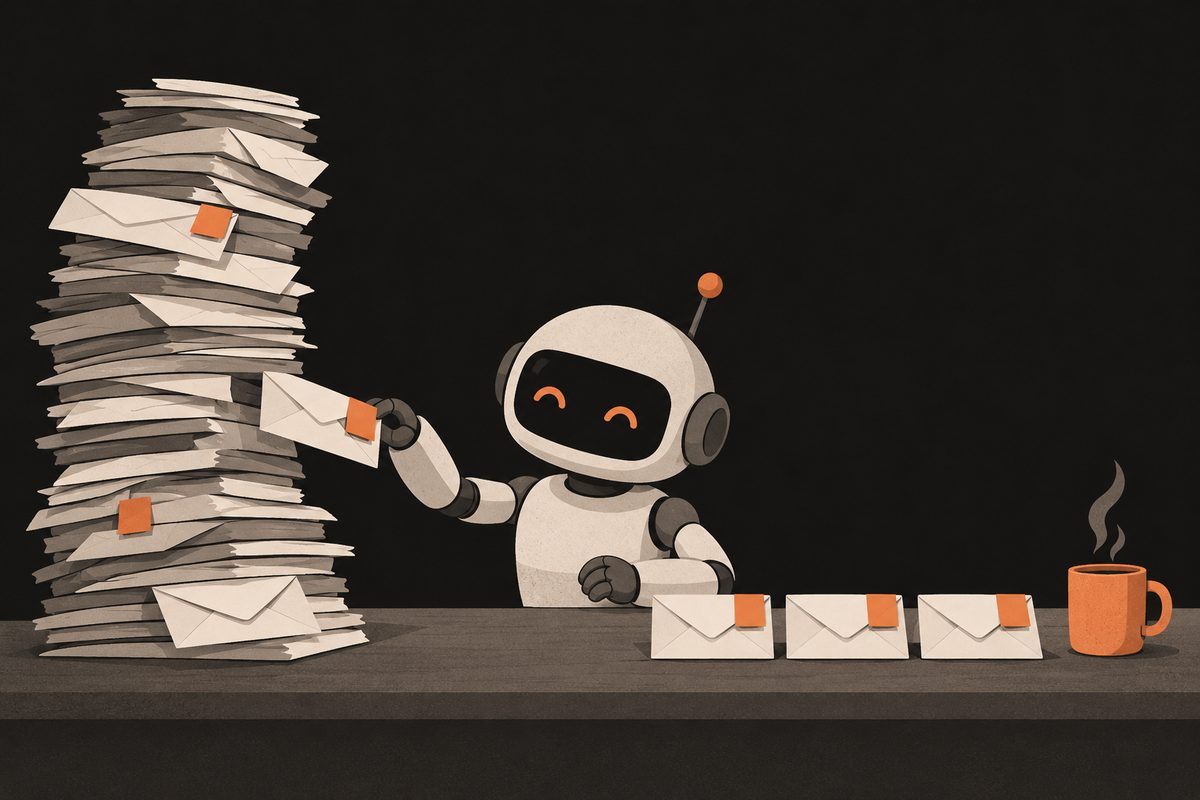
The Brief: Google is rolling out AI Inbox to paid Google Workspace accounts in the US over the next few weeks. It's a new view in Gmail that pulls the action items and deadlines out of your threads and sums up the busy conversations you've fallen behind on. If your company runs on Outlook instead, Microsoft has its own version, with a catch.
The details:
- Suggested to-dos pulls the promises out of your threads, like the revised quote you said you'd send by Friday.
- Topics to catch up on sums up long threads, like the back and forth with a buyer's purchasing team, so you know where the deal stands before your next call.
- On Outlook? If your company has Copilot in Outlook, it can mark new mail high priority and tell you why and sum up a long thread. Its "help me with follow ups" prompt, which finds people who haven't replied in 24 hours and drafts the nudge, like the one to the buyer who hasn't answered your proposal, is still early access only.
- No AI needed in Outlook: flag your proposal email when you send it and set a reminder for the day you said you'd call.
Why it matters for B2B sales: A B2B deal can sit in an inbox for weeks while the buyer's team decides. Whichever inbox you live in, the follow up you forget is often the deal you lose. Let AI be a second set of eyes on what you promised, then keep the real plan in your sales tracker, since your email only knows what's in your inbox.
Video of the week

The Brief: Sadie is the newest voice on The Monday Brief, and her first video takes on the two spots where follow ups stall. She runs the same fill in prompt in Claude and in ChatGPT, start to finish, so you can watch it work before you try it.
The details:
- A quote that went quiet. In Claude, the prompt turns your notes into a short nudge for the buyer.
- The email after a call. In ChatGPT, it turns what you heard on the phone into a recap and a next step.
- [CHECK] keeps it honest. Anything your notes didn't say gets marked [CHECK], so nothing gets made up.
- All 30 are free. The full set is at natebrannock.com/ai-follow-up-email-templates.
Why it matters for B2B sales: The follow up is the email reps put off the longest, and it's where a lot of quotes go to sleep. A template plus your own notes gets it written in about two minutes.
Prompt of the week
Give your next follow up a reason to reply
"Just checking in" asks a busy buyer for their time and hands them nothing to react to. This prompt finds one new thing to say, so your next follow up earns an answer.
- Copy a follow up that got no reply. Take out customer names and pricing first.
- Paste the prompt below into Claude or ChatGPT, then fill in your email and a few notes on the deal.
- Pick the version that sounds most like you and fix anything marked [CHECK].
- Send it, and put the next touch on your calendar with a date.
Here's a follow up email I sent that got no reply, plus my notes on the deal. Rewrite it so the buyer has a reason to answer. Build it around whichever of these fits my notes best: a question about their timeline, a question about who else decides, one useful idea for their business, or a next step with a date.

Keep it under 90 words and in plain words, with no "just checking in" or "circling back." Write two versions: one for my contact, and one for a second person at the account I could loop in. If my notes don't say something you need, mark it [CHECK] instead of guessing.

My email: [paste it]
My notes: [what they asked for, where the deal stands, who else is involved]
Pro tip: If three emails in a row get nothing, make the next touch a phone call.
Quick hits
Everything else worth knowing
- 📝 Google Meet can now draft your follow up email in Gmail with one tap on the screen that shows when a meeting ends. "Take notes for me" has to be on during the call (Google).
- 📊 ChatGPT can now build and edit slide decks from your notes or files, on Pro, Business and Enterprise plans. Call notes to a recap deck without leaving the chat (OpenAI).
- 🎯 Salesforce is piloting Hunter, an AI agent in Sales Cloud that spots news at a target account, like a funding round or a new sales leader, and drafts outreach for you to review. A wider release is planned for later this year (ZoomInfo).
- 👀 Traxy watches who likes and comments on your competitors' LinkedIn posts and hands them to you as leads, from $149 a month. Before you connect your account, read LinkedIn's own rules, which ban "bots or other unauthorized automated methods" (LinkedIn).
From Nate's desk
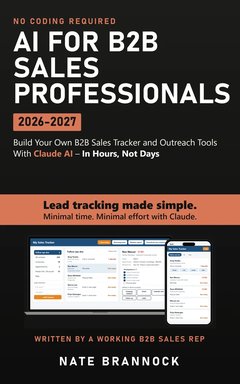
Build your own sales tracker with Claude
My book walks you through it step by step, no coding: follow ups that never slip, emails in your voice, account research in minutes and a weekly report in one click.
If you picked up the free copy last week, an honest review on Amazon helps other reps find it. One or two lines is plenty.
See the bookOne question
Want a free teardown of your follow ups? I'm doing 10 this month. Send me your follow up emails or outreach sequence through the short form at natebrannock.com/teardown, and I'll send back a written report on where deals leak and how to fix them, backed by what the best sales writers have published.
Take out customer names and pricing first. Rather just reply? Hit reply and paste it in. I read every one.
See you next Monday,
Nate
P.S. Know a rep whose follow ups could use a second look? Forward this, or send them to natebrannock.com/newsletter so they get the next one.